

Deposit Limits
Stay in control of your spending with Deposit Limits at Genting Casino Online. This tool allows you to set clear boundaries on how much you can deposit, helping you manage your play in a way that suits you.
By setting limits that work for your budget, you can keep your gaming enjoyable and within your control.
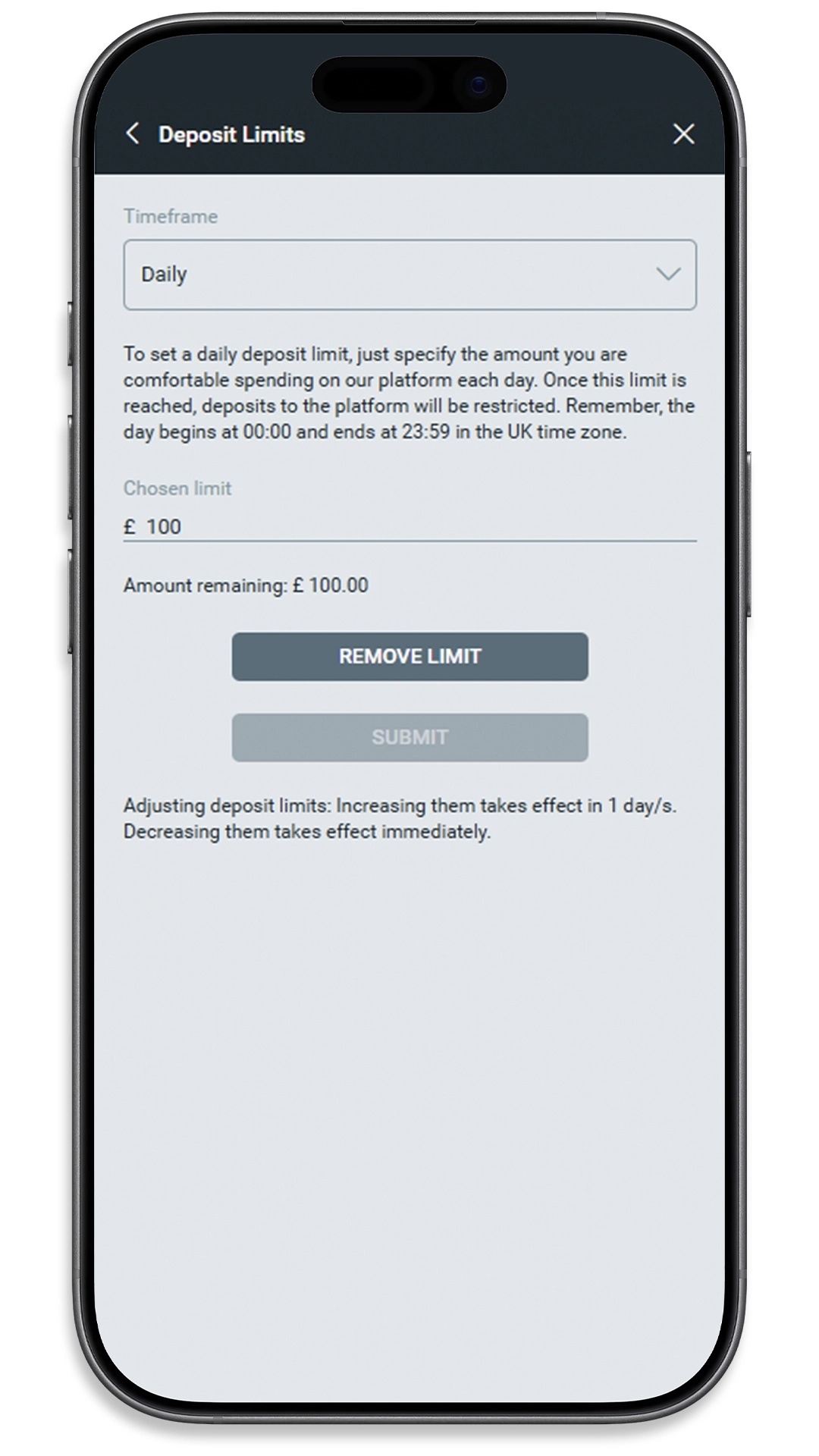
How Deposit Limits Work
Deposit Limits let you set a maximum amount you can deposit into your account over a chosen period.
You can typically set limits based on:
- Daily deposits
- Weekly deposits
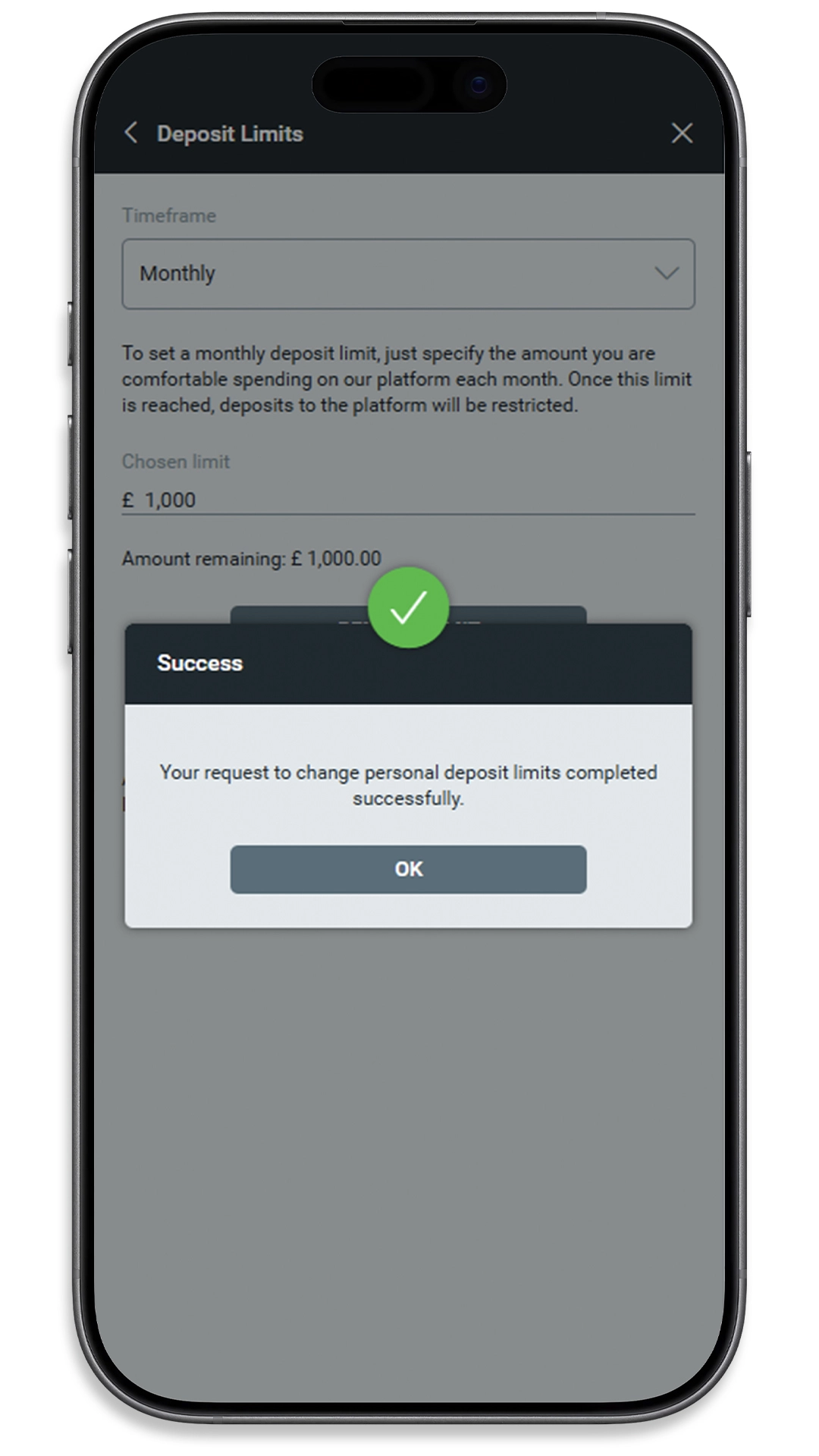
- Monthly deposits
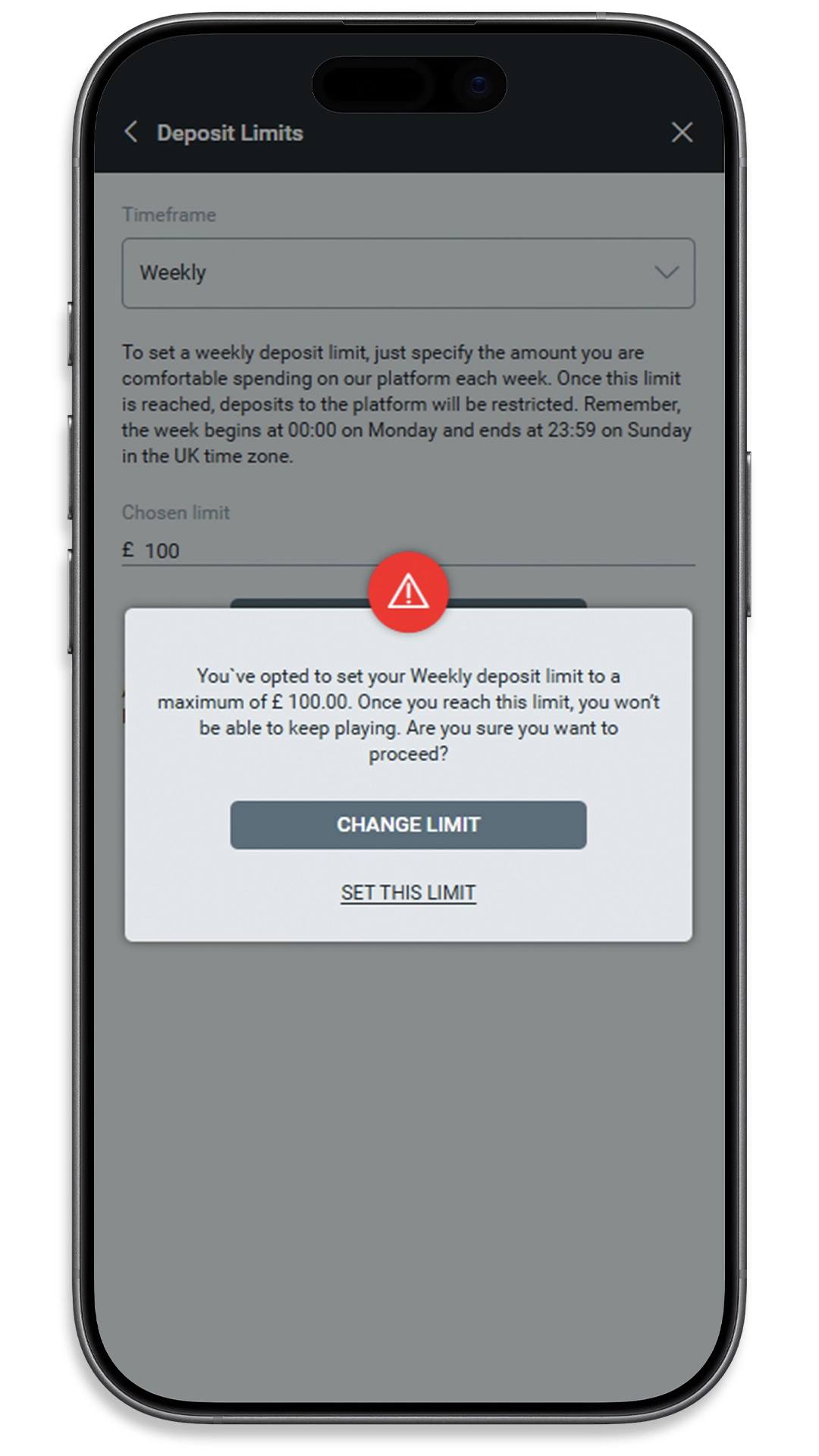
Once your limit is reached, you won’t be able to deposit more funds until the selected time period resets.
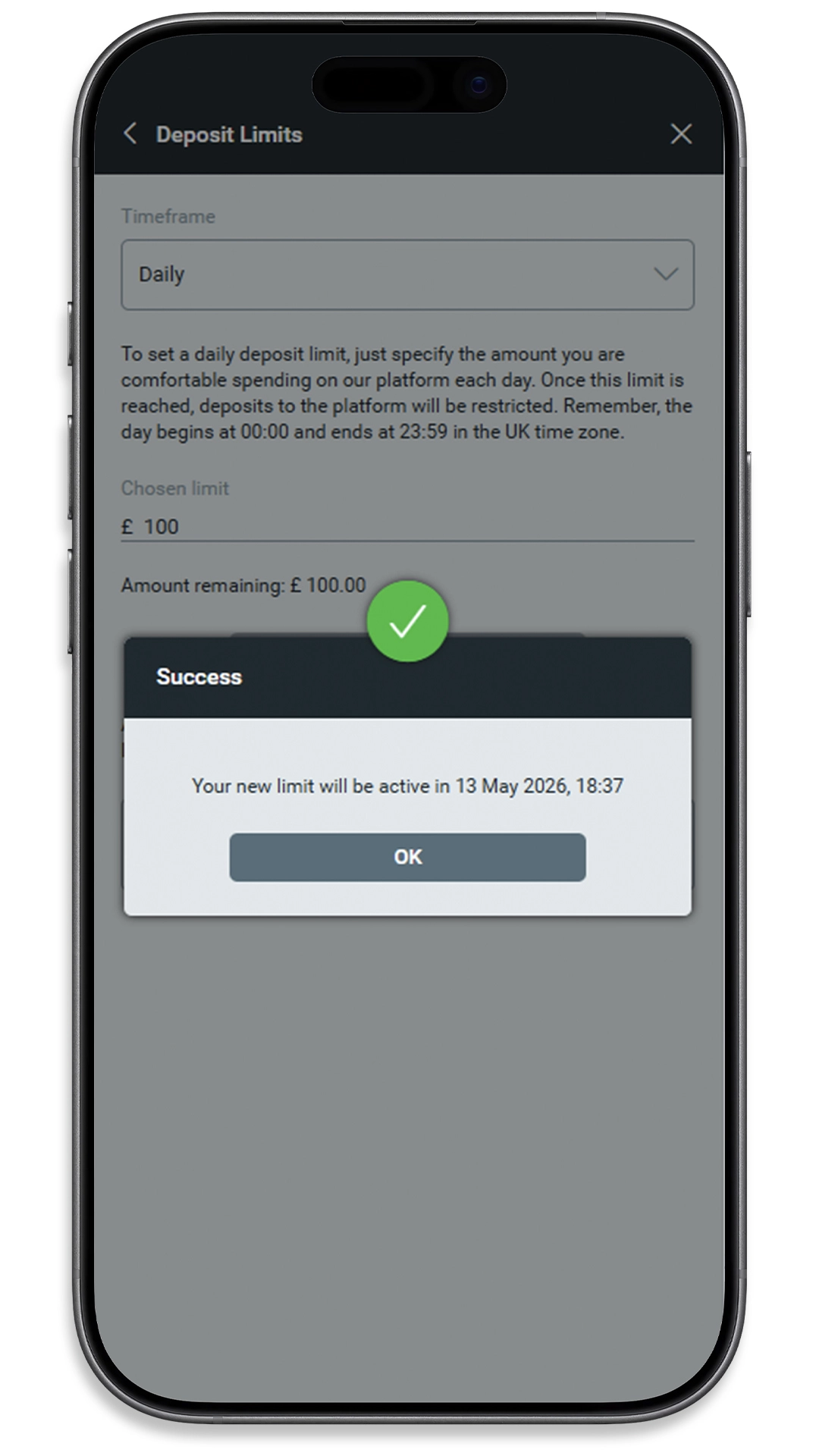
If you choose to lower your limit, the change usually takes effect immediately. If you want to increase your limit, a delay may apply before the new limit becomes active, helping you make considered decisions.
What Happens When You Use It
After setting a Deposit Limit, your account will automatically track your deposits against your chosen limit.
You can:
- See how much you’ve deposited within your timeframe
- Prevent additional deposits once your limit is reached
- Adjust your limits (subject to timing rules)
This helps you stay within your intended budget without needing to manually track your spending.
FAQs
Can I change my deposit limit?
Yes. You can adjust your limits at any time. Decreases usually apply immediately, while increases may take time to come into effect.
What happens if I reach my limit?
Once you reach your limit, you won’t be able to deposit more funds until the time period resets.
Do deposit limits affect withdrawals?
No. Deposit limits only control how much you can deposit, not how much you can withdraw.
Can I set more than one limit?
Yes. You can set daily, weekly and monthly limits to suit your preferences.
Are deposit limits mandatory?
No, but they are recommended if you want to manage your spending more effectively.


Explore Other Tools
Deposit Limits is just one of several tools available to support safer play.
- Freeze / Cooling-Off
- Self-Exclusion
- Game Status Reminder (Reality Check)
- SafeMate
- Self-Assessment Test
- GamProtect
Each tool is designed to support safe and responsible play in different ways.